
Alternatives to Voor AI
Explore the best alternatives and competitors to Voor AI.
Explore 20 alternatives to Voor AI. Compare features, pricing, and find the best fit for your needs.

AI Tiny Desk
Make a 19-second desk-concert video with lead and sax, full band, Halloween or pet-band modes; audio and silent MP4.
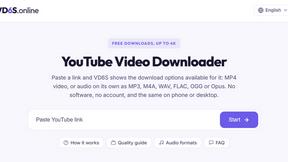
VD6S
VD6S is a free YouTube video downloader that supports HD, 4K and up to 8K downloads when available. Save videos in MP4 or audio in multiple formats.

Tip Toeing in My Jordans
Upload a photo and get a 12-second Tip Toeing in My Jordans video: you play the AI Rumpelstiltskin, a friend can play the woman in the hay.
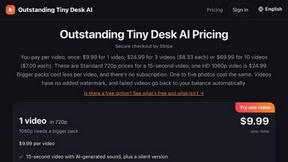
Outstanding Tiny Desk AI
Upload photos of you and up to 4 friends and get a 15-second Outstanding Tiny Desk AI video with AI-generated sound, in 9:16 for TikTok and Reels.
MemeAIVideo
Upload 1–2 photos, pick a viral rap template like Hotel Lobby AI, and get a 12-second AI rap video ready for TikTok and Reels.

Dola AI
Freemium AI creative studio: generate images and videos, edit photos and films, compose 3D scenes, and work with docs, sheets, slides and PDFs.
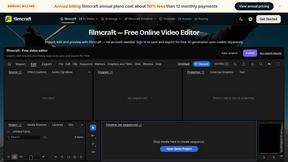
filmcraft
Free online video editor in your browser: import, color, audio and preview with no account. Optional AI tools use credits.
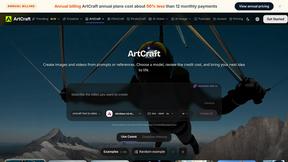
ArtCraft
Browser creative studio for images, video and 3D: compose, edit, stage scenes and organize references. AI generation uses credits.

GenX
All-in-one AI workspace to generate images, videos, and audio with multiple leading AI models.

Bloom
An adaptive AI tutor that turns topics or your materials into courses, lessons, and answers tailored to how you learn.
AppIconGenerator
Generate iOS and Android app icons from any image and export all platform sizes for free.
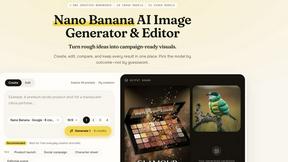
Nano AI
Create and edit AI images, generate videos, and compare models in one creative workbench.
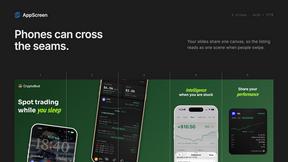
AppScreen
Design App Store and Google Play screenshots as one panoramic canvas in your browser. Free to start.
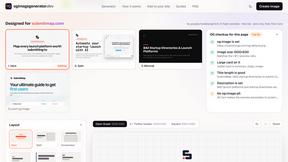
ogimagegenerator.dev
Paste a URL and AI designs on-brand Open Graph images from your page's colours, fonts and logo. Free, no sign-up.
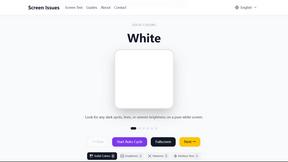
Screen Issues
Free Online Screen Test Tool - Instantly diagnose dead pixels, lines, color issues, and flickering. Multiple test modes, no download needed.
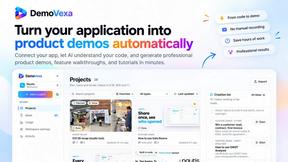
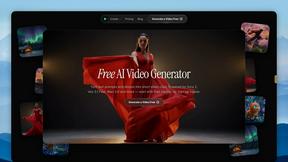
FreeVideoGenerator
Free AI video generator: turn text prompts and photos into video clips with Sora 2, Veo 3.1, Wan and more. Free starter credits, no watermark download
About Voor AI Alternatives
Voor AI is a unified browser-based creation platform designed to streamline the production of high-quality video, image, and audio content using artificial intelligence. It falls primarily into the categories of Content Creation, Design Tools, and Video, offering a single workspace where users can generate assets through text-to-video, image-to-video, and text-to-image prompts, alongside editing tools and automated workflows. Despite its comprehensive feature set, users often seek alternatives due to specific needs such as more flexible pricing models, a wider variety of output styles, integration with specialized third-party software, or a preference for open-source solutions that offer greater control over model parameters and data privacy. When evaluating alternatives to Voor AI, it is essential to consider the specific modalities you require, such as whether video generation is a priority or if static image creation suffices. You should also examine the quality and speed of output, the availability of advanced editing features, and the ease of collaboration within a team. Pricing structures vary significantly, with some platforms offering pay-as-you-go credits and others providing subscription tiers, so aligning costs with your usage volume is critical. Ultimately, the best choice depends on balancing production quality, workflow efficiency, and the security of your creative assets within a single or integrated ecosystem.
FAQs about Voor AI Alternatives
What is Voor AI?
Voor AI is a unified, browser-based creation platform that leverages artificial intelligence to generate video, image, and audio content. It allows users to produce high-quality assets through text-to-video, image-to-video, and text-to-image prompts, all within a single secure workspace. The platform is designed to deliver production-quality results in seconds, streamlining the creative process for both individuals and teams.
Who is Voor AI for?
Voor AI is built for content creators, designers, marketers, and video producers who need to rapidly generate high-quality visual and audio assets. It is ideal for professionals looking to streamline their workflow by using one tool for multiple modalities, such as converting text prompts into videos or editing images. The platform also suits teams that require shared credits and collaborative features within a secure environment.
Is Voor AI free?
The provided product description does not specify a free tier, but it does mention shared credits, which suggests a usage-based or subscription model. Typically, platforms like Voor AI offer a limited free trial or a set number of credits for new users to test the service. For full, unlimited access to all features and higher production volumes, a paid plan is usually required.
What are the main features of Voor AI?
The main features of Voor AI include text-to-video, image-to-video, and text-to-image generation, along with integrated editing tools and automated workflows. It supports multiple modalities in one workspace, allowing users to create video, image, and audio content seamlessly. Additionally, the platform offers shared credits for team collaboration and emphasizes production-quality output in seconds.