
Alternatives to happy oyster
Explore the best alternatives and competitors to happy oyster.
Explore 20 alternatives to happy oyster. Compare features, pricing, and find the best fit for your needs.
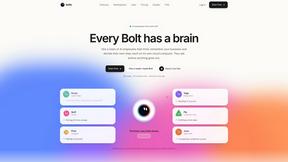
Bolts
AI employees with a brain that think, remember your business and work 24/7 on their own cloud computers.
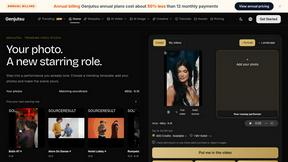
Genjutsu
Explore runway, dance, music and object video templates. Compare source and remix examples, upload your reference photos and create a new version.
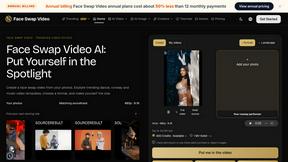
Face Swap Video
Create a face swap video from your photos. Explore trending dance, runway and music video templates, choose a format, and make yourself the star.

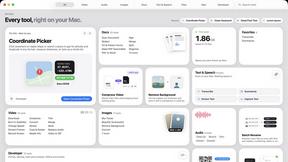
Toolbox
96 private Mac tools in one app: compress video, sign PDFs, remove backgrounds, transcribe. Offline, no account, pay once.
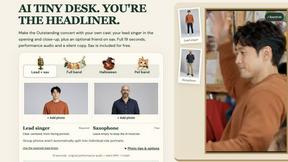
AI Tiny Desk
Make a 19-second desk-concert video with lead and sax, full band, Halloween or pet-band modes; audio and silent MP4.
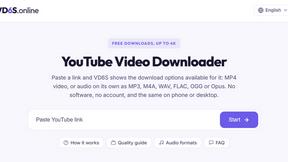
VD6S
VD6S is a free YouTube video downloader that supports HD, 4K and up to 8K downloads when available. Save videos in MP4 or audio in multiple formats.
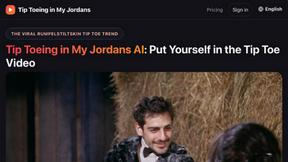
Tip Toeing in My Jordans
Upload a photo and get a 12-second Tip Toeing in My Jordans video: you play the AI Rumpelstiltskin, a friend can play the woman in the hay.
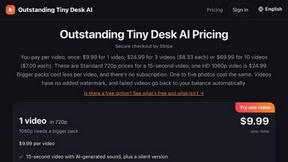
Outstanding Tiny Desk AI
Upload photos of you and up to 4 friends and get a 15-second Outstanding Tiny Desk AI video with AI-generated sound, in 9:16 for TikTok and Reels.
MemeAIVideo
Upload 1–2 photos, pick a viral rap template like Hotel Lobby AI, and get a 12-second AI rap video ready for TikTok and Reels.

Dola AI
Freemium AI creative studio: generate images and videos, edit photos and films, compose 3D scenes, and work with docs, sheets, slides and PDFs.
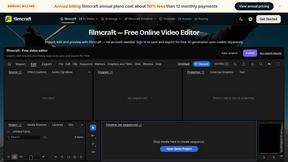
filmcraft
Free online video editor in your browser: import, color, audio and preview with no account. Optional AI tools use credits.
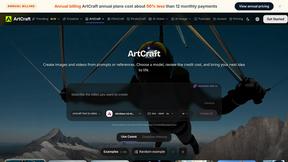
ArtCraft
Browser creative studio for images, video and 3D: compose, edit, stage scenes and organize references. AI generation uses credits.
GenX
All-in-one AI workspace to generate images, videos, and audio with multiple leading AI models.
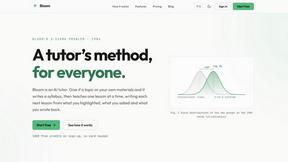
Bloom
An adaptive AI tutor that turns topics or your materials into courses, lessons, and answers tailored to how you learn.
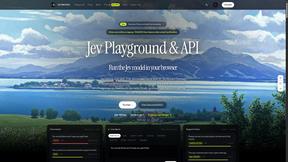
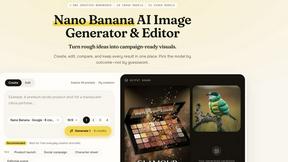
Nano AI
Create and edit AI images, generate videos, and compare models in one creative workbench.
FreeVideoGenerator
Free AI video generator: turn text prompts and photos into video clips with Sora 2, Veo 3.1, Wan and more. Free starter credits, no watermark download
About happy oyster Alternatives
Happy Oyster is an independent AI video platform designed for creators who want intentional control over their AI-generated video content rather than relying on random outputs from simple prompts. It falls into the broader categories of AI Assistants, APIs, and Video tools, offering a structured approach to AI video generation that distinguishes it from more experimental or prompt-only solutions. The platform provides two primary modes: Director Mode for purposeful creation with structured inputs and reference images, and Wander Mode for exploring AI-generated 3D worlds in first- or third-person view, making it a versatile tool for marketers, e-commerce businesses, creators, and artists. Users commonly seek alternatives to Happy Oyster for several reasons, including pricing structures that may not fit their budget, a need for higher resolution outputs beyond the 720p export limit, or a desire for different feature sets such as advanced editing capabilities, longer video durations, or integration with other software platforms. Some users may require more robust commercial licensing terms, while others might prefer a simpler interface or a tool that specializes in a specific use case like social media content or cinematic production. When evaluating alternatives, it is important to consider factors such as the level of creative control offered, support for reference images and style consistency, export quality and aspect ratios, pricing models including free credits or subscription tiers, and the clarity of usage rights for commercial projects.
FAQs about happy oyster Alternatives
What is happy oyster?
Happy Oyster is an independent AI video platform that gives creators intentional control over AI-generated video content. It offers two distinct modes: Director Mode for purpose-driven creation with structured inputs and reference images, and Wander Mode for exploring AI-generated 3D worlds. The platform is designed to move beyond random prompt-based outputs, allowing users to define subject, environment, lighting, camera motion, and action for production-ready results.
Who is happy oyster for?
Happy Oyster is built for a range of professional users including marketers who need to turn briefs into video drafts quickly, e-commerce businesses that want to bring product photos to life with motion, creators prototyping hooks and reels with precision, and artists blocking scenes and testing visual tone pre-production. The platform is designed for anyone who wants control over their AI video output rather than relying on randomness.
Is happy oyster free?
Happy Oyster offers a free start with 500 credits upon sign-up, and no credit card is required to begin using the platform. This allows new users to explore the features and test the two modes before committing to any paid plan. The free credits provide a practical way to evaluate the tool's capabilities for your specific use case.
What are the main features of happy oyster?
The main features of Happy Oyster include two core modes: Director Mode for intentional creation with structured inputs and reference images, and Wander Mode for exploring AI-generated 3D environments. Users can export videos in 5, 10, or 15-second durations, in multiple aspect ratios, and at 720p resolution. The platform also offers real-time preview for iterative creation, transparent credits for usage, and commercial usage rights subject to terms.