
Alternatives to BoltShot
Explore the best alternatives and competitors to BoltShot.
Explore 20 alternatives to BoltShot. Compare features, pricing, and find the best fit for your needs.
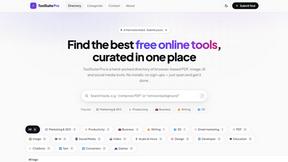
My Tools Suite Pro
Discover the best free online tools with ToolSuite Pro. Explore AI, productivity, marketing, SEO, writing, business, and software tools in one place.
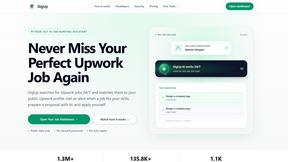
GigUp
GigUp helps freelancers discover relevant Upwork jobs through AI matching, automated monitoring, and instant alerts.
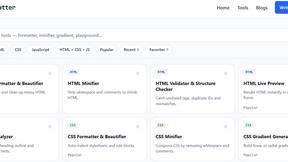
JoMatter
Jomatter provides free online tools for HTML, CSS, and JavaScript developers, helping simplify common web development and coding tasks.
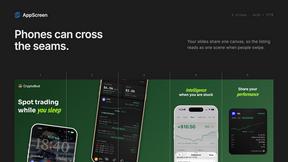
AppScreen
Design App Store and Google Play screenshots as one panoramic canvas in your browser. Free to start.
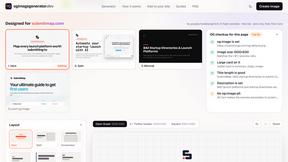
ogimagegenerator.dev
Paste a URL and AI designs on-brand Open Graph images from your page's colours, fonts and logo. Free, no sign-up.
Screen Issues
Free Online Screen Test Tool - Instantly diagnose dead pixels, lines, color issues, and flickering. Multiple test modes, no download needed.
Vim.is
Vim.is is a simple online tool that helps you learn and practice Vim keyboard shortcuts quickly.

Ecommerce Data API
Amazon research data APIs for developers, sellers and AI agents. Integrate product, keyword and market research through REST APIs and MCP.

StackLedge
Discover verified SaaS, practical AI tools, and custom n8n workflows on an architecture-first discovery platform built for modern builders.
Product Launch Checklist
A free launch checklist for SaaS, apps, AI tools and more. Every step says why it matters and when you can skip it.
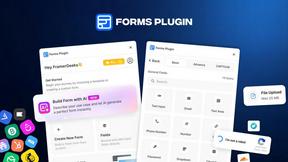
Forms Plugin
The #1 Native Form Builder Plugin for Framer - No Code, No Embeds, No External Platforms.
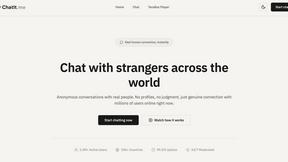
Chatit Me - Free Random Chat Alternative
Chat with random strangers online for free on ChatIt.me. Enjoy safe, anonymous, and instant 1-on-1 conversations with people worldwide
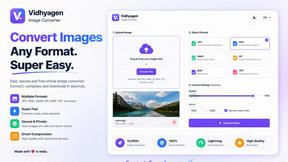
VidhyaGen
Fast, free, and privacy-first browser tool to convert, crop, resize, and compress images locally without server uploads.

About BoltShot Alternatives
BoltShot is a cutting-edge screenshot API designed to transform URLs into high-quality visual captures with ease. It belongs to the developer tools category and offers a range of features that allow users to create screenshots in various formats like PNG, JPEG, WebP, and PDF. With capabilities such as full-page capture, device emulation, and customizable viewport settings, BoltShot streamlines the process for developers and businesses looking to automate screenshot generation for applications like e-commerce previews, web archiving, and compliance monitoring. Despite its robust offerings, users may seek alternatives to BoltShot for various reasons, including pricing, specific feature sets, or the need for compatibility with certain platforms. When searching for an alternative, it is important to consider factors such as the range of supported features, ease of integration into existing workflows, and overall cost-effectiveness. Additionally, evaluating the performance, reliability, and customer support of potential alternatives can help ensure that the selected tool meets the unique requirements of your projects.
FAQs about BoltShot Alternatives
What is BoltShot?
BoltShot is a simple API designed for capturing high-quality screenshots from URLs. It allows users to generate images in formats such as PNG, JPEG, WebP, and PDF through straightforward API requests, enabling efficient integration into various applications.
Who is BoltShot for?
BoltShot is primarily targeted at developers and businesses looking to automate the process of generating website screenshots. It is particularly useful for e-commerce platforms, testing environments, and any organization needing reliable visual documentation of web pages.
Is BoltShot free?
BoltShot is not a free service; it operates on a pricing model that varies based on usage and features. Users should consult the official pricing page to understand the cost structure and any available plans that meet their needs.
What are the main features of BoltShot?
The main features of BoltShot include full-page screenshot capture, device emulation for various screen sizes, and the ability to customize viewport settings. Additionally, it offers advanced functionalities such as ad blocking, cookie banner removal, S3 uploads, and geolocation emulation, all designed to enhance the user experience.